7 Simple Password Tricks to Protect Your Accounts from Hackers
Create a password that's easy to remember yet hard to crack, with 7 proven tricks, real breach lessons, and simple security steps.
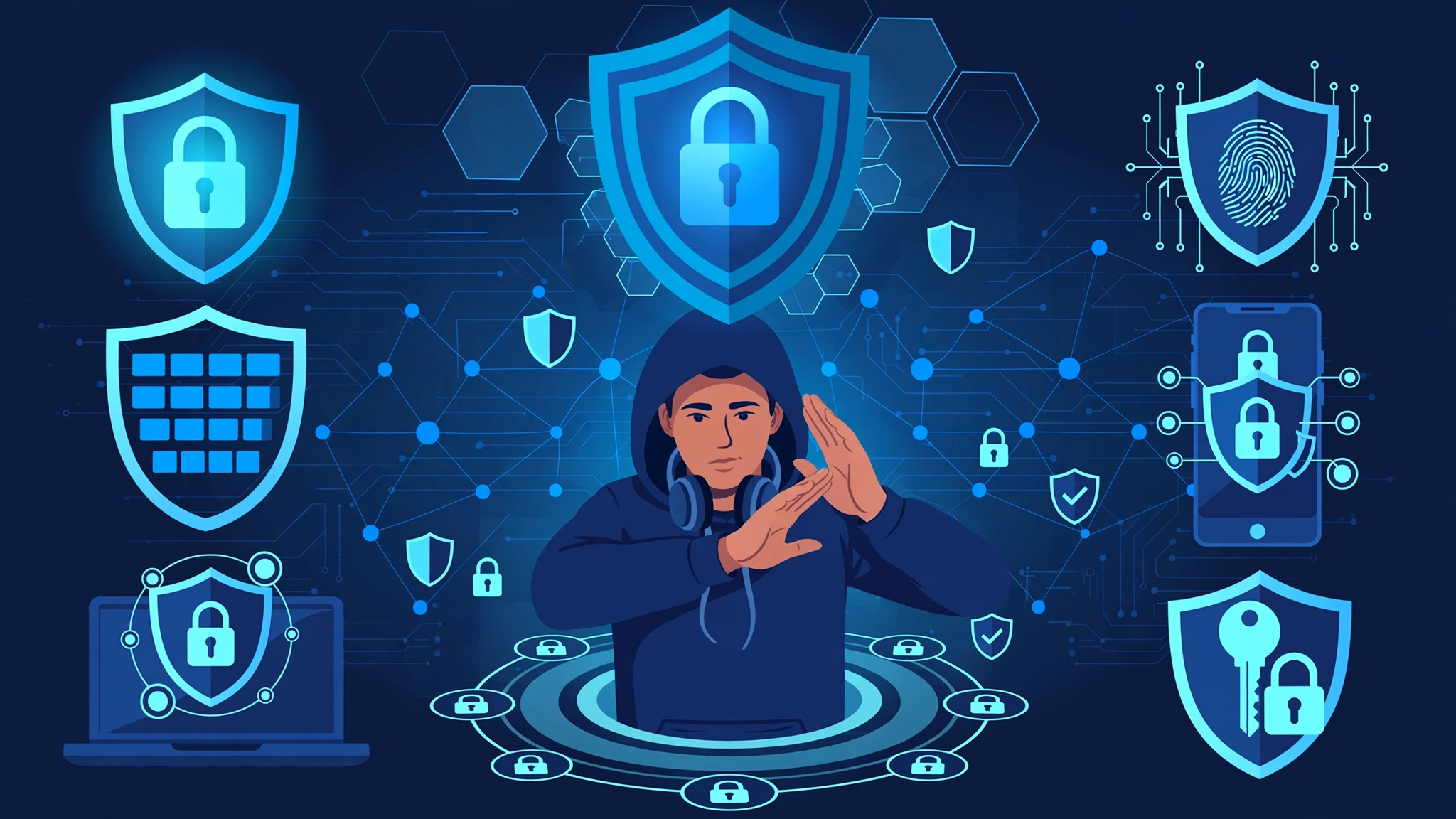
Learning how to create a password that sticks in your memory but stops attackers cold is one of the most useful skills you can pick up online, and almost nobody teaches it properly. Most of us still rely on a pet’s name with a “1” tacked on the end, or we reuse the same login across a dozen sites and hope for the best. That habit is exactly what criminals count on. When the RockYou gaming site was breached in 2009, roughly 32 million passwords spilled out in plain text, and the single most common one was “123456.” More than a decade later, it still tops the list every year.
The good news is that a genuinely strong password does not require a photographic memory or a cybersecurity degree. It requires a handful of smart habits that make your login long, unpredictable, and unique, while still being something you can actually recall. In this guide you will get seven practical tricks to create a password you’ll never forget, each one grounded in how real attacks actually work rather than scary myths. You will also see what happened in some of the biggest data breaches in history, so the advice lands with real weight. By the end, you will be able to create a password for any account and sleep a little easier knowing it would take centuries, not seconds, to break.
Why Weak Passwords Are a Real-World Disaster
Before the tricks, it helps to understand what you are defending against. A weak password is not a small oversight. It is the front door that attackers try first, because it is so often left unlocked.
Here is how the damage usually unfolds:
- Credential stuffing: Attackers take usernames and passwords leaked from one site and fire them at hundreds of others using automated tools. If you reused your password, one breach quietly becomes ten.
- Brute force and dictionary attacks: Software guesses millions of combinations per second. Short, common passwords fall almost instantly.
- Phishing: You get tricked into typing your credentials into a fake login page, and the attacker walks right in.
The history books are full of examples. In 2012, LinkedIn lost around 6.5 million password hashes, a figure later revealed to be over 117 million. Because the passwords were stored with weak, unsalted SHA-1 hashing, criminals cracked huge numbers of them with ease and sold them online. In 2013, Adobe exposed data tied to roughly 153 million accounts. In 2019, a massive collection of breached credentials known as “Collection #1” surfaced with nearly 773 million email and password combinations bundled together for stuffing attacks.
The lesson from every one of these incidents is the same. The people who got hurt most were those who used short passwords, reused them everywhere, or both. When you create a password the right way, you take yourself out of the easy-target pile entirely. You can check whether your own accounts have been caught up in past breaches using Have I Been Pwned, a free and widely trusted service run by security researcher Troy Hunt.
The Golden Rule: Length Beats Complexity
Here is the single most important shift in modern password advice. For years we were told to build a short password full of symbols, like “P@ssw0rd!”, and change it every 90 days. That guidance has been quietly retired.
The federal government’s own standards now say the opposite. According to the current NIST Digital Identity Guidelines, length is the dominant factor in password strength, and forced periodic resets actually make security worse because people just make small, predictable tweaks. NIST now recommends supporting passwords up to at least 64 characters, encourages passphrases, and tells organizations to stop demanding routine changes unless there is evidence of a breach.
Why does length win? It is simple math. Every extra character multiplies the number of possible combinations an attacker has to try. A random 8-character password can be cracked quickly by modern hardware. A 16-character passphrase pushes the number of guesses into the realm of billions of years. When you create a password, you should treat length as your best friend and aim for at least 15 to 16 characters.

With that principle set, here are the seven tricks.
Trick 1: Create a Password From a Memorable Passphrase
The easiest way to create a strong password that you’ll actually remember is to stop thinking in “words” and start thinking in “phrases.” A passphrase is a string of several unrelated words strung together, and it is both longer and easier to recall than a jumble of symbols.
Take four random, vivid words and link them into a mental image:
correct-horse-battery-staplepurple-tractor-moon-sandwichrusty-kettle-jazz-thunder
Picture a rusty kettle playing jazz in a thunderstorm, and you will not forget it. Yet that phrase is 20-plus characters long, which makes it brutally hard to brute force.
A few pointers when you build a passphrase:
- Pick words that are not related. “summer-beach-sun-sand” is weaker because the words cluster together naturally.
- Use four words or more. Three can be guessed; five is very safe.
- Add separators or small tweaks. Hyphens, numbers, or a capital letter sprinkled in raise the bar further without hurting memory.
This is the method security expert Bruce Schneier and NIST both favor, precisely because it balances human memory with mathematical strength.
Trick 2: Create a Password Using the Sentence Method
If random words feel too abstract, build your password from a sentence only you would know, then compress it. This is sometimes called the mnemonic or sentence method, and it is a reliable way to create a password that looks like gibberish to everyone else.
Start with a personal sentence that is meaningful but not public:
“My first concert was Oasis in Manchester back in 2004!”
Now take the first letter of each word, keep the punctuation and numbers, and you get:
Mfcw0iMb2004!
That string is 13 characters, mixes cases, includes a number and a symbol, and is effectively unguessable, yet you can reconstruct it any time by reciting the sentence in your head.
To strengthen it even more:
- Use a longer sentence to push past 16 characters.
- Swap in a deliberate, consistent misspelling that only you know.
- Avoid sentences that appear on your public social media, like your wedding date or your dog’s name, since attackers mine those first.
The sentence method works beautifully because the thing you memorize is a story, and human brains are far better at remembering stories than random characters.
Trick 3: Create a Password That Is Long First, Clever Second
This trick is less about a formula and more about a mindset. Whenever you create a password, make the length decision before anything else.
Many people stop the moment they hit the minimum a website allows, often 8 characters. That minimum exists for legal and usability reasons, not because it is safe. Treat it as a floor you comfortably clear, not a target.
A quick comparison of how resistance scales with length:
- 8 characters: Can fall to a determined attacker in a very short window.
- 12 characters: Dramatically stronger, into the years-to-crack range.
- 16 characters: Pushes realistic cracking time past a human lifetime.
- 20+ characters: Effectively uncrackable with current technology.
So when a site lets you go long, do it. Padding a solid passphrase with a couple of extra words or a short, repeatable tail (such as a symbol pattern you reuse only as a suffix) is one of the cheapest security upgrades available. Length is the one variable attackers cannot shortcut, which is why it sits at the heart of every trick here.
Trick 4: Create a Password That Is Unique for Every Account
This is the trick that would have saved the most victims in every breach mentioned earlier. Reusing one password across multiple sites means a leak anywhere is a leak everywhere. Credential stuffing exists entirely because so many people reuse logins.
The challenge, of course, is that nobody can memorize 80 unique passwords. So here is a human-friendly system to make each one different without starting from scratch every time:
- Build one strong core using Trick 1 or Trick 2, for example
jazz-kettle-thunder-04. - Add a short, private site tag based on a rule only you know. You might take the first and last letter of the site name and drop them in a fixed spot.
- For Netflix, your password becomes
jazz-kettle-thunder-04-Nx. For Amazon,jazz-kettle-thunder-04-An.
Each login is now technically unique, so a breach at one site does not hand over the keys to the others, yet you only ever memorize one core plus one simple rule.
A word of honest caution. This pattern is better than reuse, but it is not perfect, because a clever attacker who sees two of your passwords might spot the rule. For your most sensitive accounts, email, banking, and anything financial, lean on the next trick instead.
Trick 5: Create a Password With a Password Manager
If you want the single biggest upgrade to your digital security, use a password manager. This tool is the professional’s answer to the whole problem, and it removes the memory burden almost entirely.
A password manager does three jobs:
- Generates truly random passwords like
9zT#vQ2!rLm8$Kw4on demand, far stronger than anything a human invents. - Stores every login in an encrypted vault so you never have to recall them.
- Fills credentials automatically, which also protects you from phishing because it will not autofill on a fake lookalike site.
Here is the key insight. When you use a password manager, you only have to create a password you’ll never forget one single time. That one password is the master key to your vault, so it should be a long, memorable passphrase built using Trick 1. Everything else can be random, because the software remembers it for you.
Popular, well-reviewed options include Bitwarden, 1Password, and KeePass. Whichever you choose, enable a strong master password and turn on the extra protection in the final trick. For the vast majority of people, a password manager plus a memorable master phrase is the most secure and least stressful setup available.
Trick 6: Create a Password, Then Lock It Behind Multi-Factor Authentication
Even the best password can, in theory, be stolen through a convincing phishing page or a breach on the company’s side. Multi-factor authentication, often shortened to MFA or two-factor authentication, is your safety net for exactly that scenario.
MFA means that logging in requires two things:
- Something you know (your password).
- Something you have (a code from an app, a hardware key, or a prompt on your phone).
Even if an attacker steals your password, they are stopped dead without that second factor. Microsoft and Google have both reported that enabling MFA blocks the overwhelming majority of automated account takeover attempts.
When you set up MFA, keep these preferences in mind, strongest first:
- Hardware security keys (like a YubiKey) and passkeys offer the best protection and resist phishing.
- Authenticator apps (such as Authy or Google Authenticator) are excellent and free.
- SMS text codes are better than nothing, but weaker, because determined attackers can hijack phone numbers through SIM-swapping scams.
Turn on MFA everywhere it is offered, especially on email, since your email inbox is usually the reset point for every other account you own.
Trick 7: Create a Password, Then Check It Against Known Breaches
The last trick closes the loop. After you create a password, make sure it has not already been exposed in a past leak, because a password that appears in a breach database is worthless no matter how clever it looks.
Attackers do not just guess randomly. They feed the enormous lists from past breaches, think RockYou, LinkedIn, Adobe, and Collection #1, straight into their tools. If your password is on one of those lists, it can be “cracked” in milliseconds through a simple lookup.
Here is your checking routine:
- Run your email addresses through Have I Been Pwned to see whether any of your accounts have appeared in known breaches.
- If a password is flagged as exposed, change it immediately on that site and anywhere you reused it.
- Most quality password managers now include a built-in breach monitor that warns you automatically when one of your stored logins turns up in a new leak.
Making this a habit, say once every few months, means you are not quietly relying on a password that criminals already have in a spreadsheet.
Common Password Mistakes to Avoid
Knowing how to create a password correctly is half the battle. The other half is dropping the habits that quietly undo all your effort. Steer clear of these:
- Personal information: Birthdays, children’s names, street addresses, and favorite teams are all discoverable and are tried first.
- Keyboard patterns: “qwerty,” “asdfgh,” and “1qaz2wsx” are in every cracking dictionary.
- Simple substitutions: Swapping “a” for “@” or “o” for “0” in a common word fools nobody. Attackers automate those swaps.
- Writing passwords on sticky notes left on your monitor, or storing them in an unprotected notes file or spreadsheet.
- Sharing passwords over email or text, which leaves a permanent, interceptable copy.
- Ignoring old accounts. A forgotten login with a weak, reused password is still a doorway into your digital life.
Avoiding these is just as important as the seven tricks above, because the strongest passphrase in the world fails if it is written on a note taped under your keyboard.
Quick Answers to Common Password Questions
How often should I change my password?
Based on current NIST guidance, you do not need to change a strong, unique password on a fixed schedule. Change it only if you learn it may have been exposed or if a service reports a breach. Routine forced changes tend to make people choose weaker, more predictable passwords.
Are passphrases really safer than complex passwords?
Yes, generally. A four-word passphrase is longer than a typical complex password and far easier to remember, and length is what defeats modern cracking hardware. That combination of strength and memorability is exactly why it works.
Is a password manager safe if everything is in one place?
A reputable password manager encrypts your vault so that even the provider cannot read it, and it is protected by your master password plus MFA. The small risk of a single vault is massively outweighed by eliminating password reuse across dozens of sites.
What is the most important account to protect?
Your primary email. It is the reset hub for nearly everything else, so give it your strongest password and the strongest form of MFA you can.
Conclusion
Learning to create a password that is both unforgettable and uncrackable comes down to a few durable habits rather than any single magic formula, and every one of the seven tricks here points in the same direction: go long with a memorable passphrase, keep every login unique, let a password manager carry the memory load while you protect its master key, switch on multi-factor authentication as your safety net, and check your credentials against breach databases so you are never leaning on a password criminals already hold. The painful lessons of RockYou, LinkedIn, Adobe, and Collection #1 all trace back to short, reused, or exposed passwords, which means the fix is squarely in your hands. Put these steps into practice once, and you will have passwords that are easy for you to recall and far too expensive for any attacker to bother cracking.